You have hundreds of saved bookmarks and can find almost none of them. When you need that article you know you saved, you scroll a wall of folders, give up, and search Google again — so the bookmark did nothing. That pile of links you never reopen is the bookmark graveyard, and almost everyone who saves in volume ends up with one.
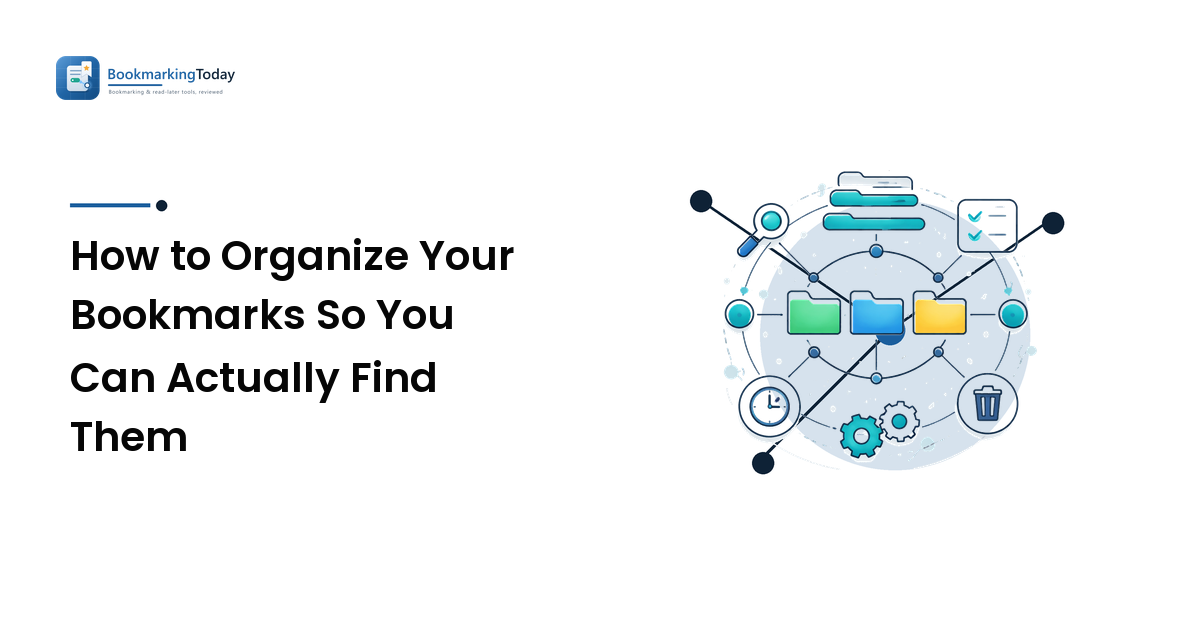
The takeaway up front: the graveyard isn't a discipline problem, it's a structure problem. Folders force every link into exactly one home, the right home is never obvious when you save, so links land anywhere, naming drifts, and retrieval fails. The fix isn't more folders or more willpower. It's switching the primary organizing principle from where a link lives to what it's about (tags), keeping folders for a few broad buckets, and standardizing how you save.
Why the graveyard forms in the first place
Three specific failures build the pile, and each has a direct fix.
Folders force a single home, and the choice is ambiguous. An article on using AI for SEO content belongs in "SEO," "AI," "Content," and "Work" — but a folder makes you pick one, and future-you looks in a different one. Single-location storage fails whenever an item belongs to several topics, which is most items.
Naming drifts with no rules. You save pages under their raw titles — (14) Untitled — Medium, Home | SomeTool, Welcome!. None describe what the page is for, so even in the right folder you can't tell which link you wanted without opening each.
Saving is instant; sorting is a chore you skip — so links never get filed, and they rot. Capturing takes one keystroke; filing well takes thought, so you dump it in a catch-all and promise to sort later. Later never comes. Meanwhile pages die, the same URL gets saved from three devices, and nothing gets pruned — until the heap holds more noise than signal and searching it feels pointless. You stop, and the graveyard is complete.
Folders vs. tags: what each is actually good at
Folders and tags solve different problems, and using folders for the job tags should do is the root cause of the pile:
Folders are hierarchical and exclusive. A link lives in one folder. They're great for a small number of broad, mutually-exclusive contexts — Work, Personal, Reference — where an item clearly belongs to one. They fail the moment you nest deeply or an item has several equally-valid homes, because then "which folder?" has no right answer and retrieval breaks.
Tags are flat and multiple. One link can carry several tags — seo, ai, content on the same page — and you find it later by any of them. Tags describe what a page is about rather than where it sits, matching how you actually remember things ("that piece on AI and SEO") far better than a folder path you have to reconstruct. It's why community bookmarking platforms lean on tags and search instead of folders; the social bookmarking guide covers that model in practice.
The honest verdict: for findability, tags beat folders for almost everyone who saves in volume. Use a handful of folders for genuinely separate contexts, and let tags do the real organizing work — retrieval is the whole job, and tags match how you search.
The system: a few folders, consistent tags, real titles
Here's a structure that holds up. Keep it deliberately small: a system you won't maintain is worse than none.
- Keep folders broad and few. Three to seven top-level folders for truly distinct contexts is plenty. Deep nesting is the signal you're using folders for a job tags should do.
- Tag by topic, with a small reused vocabulary. Settle on a stable set — perhaps fifteen to thirty tags — for the subjects you actually save about, and reuse them religiously. Ten tags you apply every time beat a hundred you use once; a sprawling, one-off tag list is just folders with extra steps. Consistency is the entire value of tagging.
- Rewrite the title to say what it's for. At save time, replace the junk page title with a short, plain description like "AI-for-SEO content workflow, practical no-fluff guide." That habit is the difference between a scannable list and a wall of
Untitled. For anything you're keeping to use later, add a one-line "why" — "best explanation of X I've found" — so the link is actionable without reopening it.
The idea underneath all three: organize by what a page is about and what it's for, not where it lives. Tags and good titles encode both; deep folders encode neither.
Cleaning up the pile you already have
A new system doesn't fix the existing graveyard. You need one honest cleanup pass, and the goal is less — not a perfectly catalogued everything:
- Delete ruthlessly first. Most of a stale collection is dead weight: broken links, impulse saves, duplicates, pages you can re-find in seconds. Clearing the obvious junk leaves a fraction of the pile to sort.
- Export a backup before mass changes. Every major browser exports bookmarks to a single HTML file. Do that first so an aggressive cleanup is reversible.
- Sort survivors into broad folders, then tag. Drop each keeper into a top-level folder and apply topic tags. Tags are what you'll search later; the folder is just context.
- Fix the titles as you go. Rewriting junk titles into plain descriptions is tedious, but it's what makes the survivors usable. Skip it and you've just got a tidier graveyard.
- Time-box it. One or two focused sittings, not an open-ended project. A roughly-organized, searchable collection beats an immaculate one you never finish.
Cleanup is one-time, though; the graveyard re-forms unless you change how you save. The rule is short: the moment you save, do the small bit of work — a real title and a tag or two — right then. If that's too much friction, drop everything into one inbox folder and run a short weekly pass to tag, title, file, or delete. It's the same capture-and-keep loop behind good content curation: save freely, keep only what you'd reach for again. A backlog you clear weekly never becomes a graveyard; one you ignore does.
FAQ
Should I use folders or tags for bookmarks?
Both, with tags doing the real work. Use a few broad folders for genuinely separate contexts (like work vs. personal), and tags to describe what each page is about. Tags win for findability because one link can carry several, matching how you remember things — by topic, not by folder path. Deep folder hierarchies are the main cause of bookmarks you can never find again.
How do I organize hundreds of existing bookmarks without it taking forever?
Delete before you organize. Most of a stale pile is broken links, duplicates, and impulse saves, so clearing the junk leaves a fraction to sort. Export a backup HTML file, then time-box one or two sittings: file survivors into broad folders, tag them by topic, and rewrite junk titles. Aim for roughly organized and searchable, not perfect.
What's the best way to name a bookmark so I can find it later?
Replace the raw page title with a short description of what the page is for, not what the site calls itself. "AI-for-SEO content workflow" is findable; Untitled — Medium is not. For anything you're keeping to use later, add a one-line note on why you saved it. Good titles plus topic tags make a collection scannable instead of a wall of meaningless entries.
Why do I never go back to my saved bookmarks?
Because you can't find them, and an unfindable bookmark is functionally deleted. The culprits are single-home folders that hide multi-topic pages, junk titles you can't scan, and a pile so cluttered with dead links that searching feels pointless. Fix retrieval — tags, real titles, a ruthless cleanup — and saved pages become something you reopen.
Next step
Start with the structure change, not a marathon cleanup. Collapse your bookmarks into a few broad folders, pick a short list of topic tags you'll reuse, and from now on give every new save a real title and a tag the moment you save it. When you have a spare half hour, prune the old pile once — delete first, tag and rename the survivors, stop there. Organize by what a page is about, save the same way every time, and your bookmarks turn back into a tool. Put it into practice at BookmarkingToday.